
MTN 4G LTE MF927U MIFI – DETAILS & CONFIGURATION

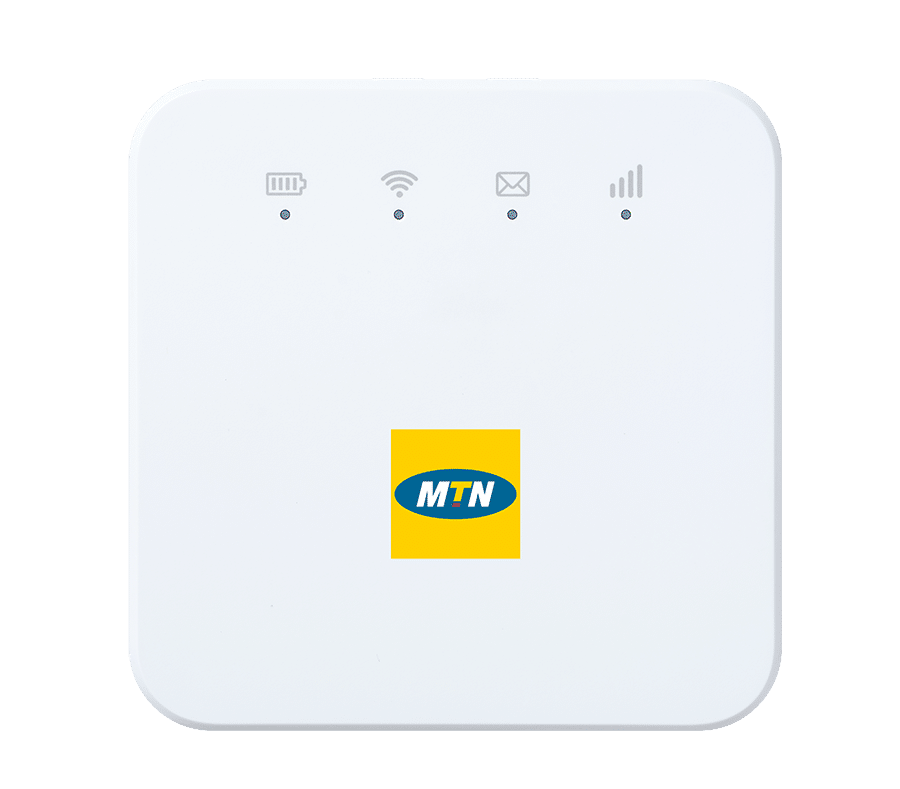
MTN MiFi Technical Specs
The MTN MiFi MF927U is labeled as “Cat 4”, which in theory, means that it supports uplink data rates (or upload speeds) up to 50Mbps and downlink data rates (or download speeds) up to 150Mbps.
On one side of the device, you will find a micro USB charging port while on the very top are two round buttons — A power button and a WPS button. On the other side, you will find the SIM Card slot containing the micro SIM card tray, and right beside it is a pinhole that can be used to reset the MiFi.
The MTN Broadband MiFi MF927U can support up to 32 connected devices but I would strongly recommend against doing that as it may heat up the device and reduce the battery life. Unlike its big brother, the HynetFlex, the MTN Broadband MiFi MF927U does not have a removable battery.
This MTN MiFi is single-band, which means it only has support for the 2.4 GHz band. However, this should do for most people.
Network Speed Tests
When I tested the MTN MiFi broadband speed by downloading a 1.5 GB file, I’d say I was happy with the results. I was able to get an average Upload speed of 10MB/s and a Download Speed of 15 Mb/s. On normal usage (e.g chatting and watching WhatsApp statuses,) the average download speed fluctuated between 1 Mb/s and 4Mb/s, and there was no lag or buffering when streaming videos.
MTN Broadband MiFi MF927U Battery Test
With the factory-fitted charger, the average time it took to reach 100% from 0% is 1 hour and 30 minutes.
The MTN MiFi MF927’s battery boasts a capacity of 2000 mAh, and tests have shown really pleasing results. With two devices connected, I was able to use the MTN Broadband MiFi MF927U for about 8 hours before the battery indicator turned red, meaning the battery is low.
Interpreting the light indicators
You might ask “What do the light indicators on the MTN MiFi do?”. Well, since the router does not have an LCD display, you would need to know what these signals mean in order to make sense of them. The table below shows the different lights on the MTN MiFi and what they mean;
| INDICATOR LIGHT | STATUS | MEANING |
| Battery | Red, solid / blinking | The battery is low. Charge battery. |
| Green, blinking | The battery is currently being charged | |
| Green, solid | The battery is sufficiently charged | |
| Lights off | The device is powered off | |
| Wi-Fi | Blue, solid | Wi-Fi is active |
| Blue, blinking | WPS is active | |
| Lights off | Wi-Fi is off | |
| SMS | Blue, solid | You have unread messages. |
| Blue, blinking | You have new messages or the message storage is full. | |
| Lights off | There is neither an unread message nor a new message. | |
| Network | Red, solid | There is an error establishing a network connection. Possible reasons include; – The device is not registered to the mobile network. – There is no micro-SIM card inserted. – There is no network service available. |
| Green, Solid | The device is registered to the 2G/3G mobile network. | |
| Green, blinking | The device is connected to the 2G/3G mobile network and data is being transferred. | |
| Blue, solid | The device is registered to the 4G LTE network. | |
| Blue, blinking | The device is connected to the 4G LTE network and data is being transferred. |


